
The fleet
Pick the body,
Pick the body,
not the paperwork.
Every class in the network, from a two-tonne city runner to a full trailer. Tap one and the booking opens with it already selected.
01
Pickup Truck
Book this
02
Light Truck
Book this
03
Mini Truck
Book this
04
Medium-Duty Truck
Book this
05
Heavy-Duty Truck
Book this
06
Flatbed Truck
Book this
07
Dump Truck
Book this
08
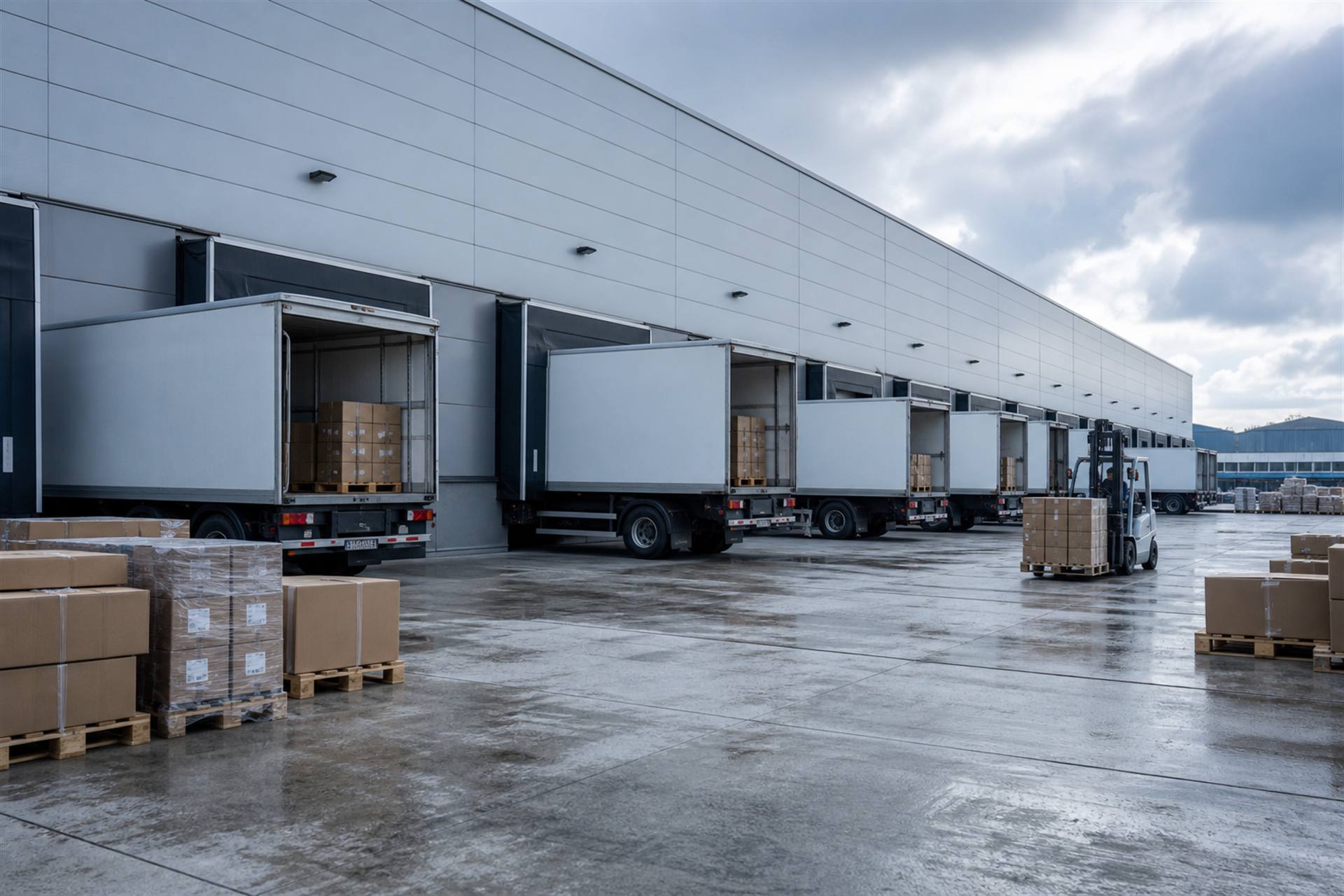
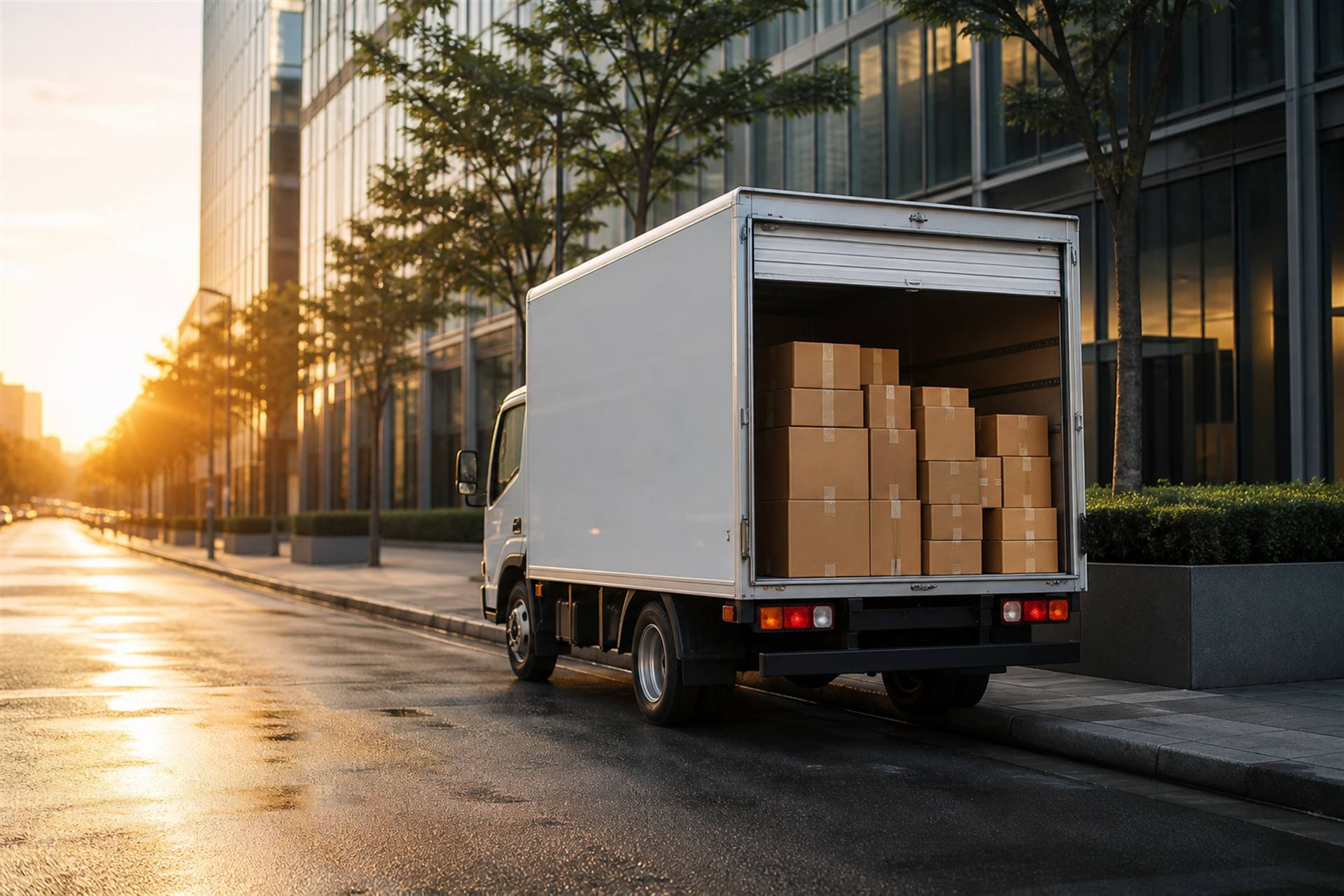
Box Truck
Book this
09
Tanker Truck
Book this
10
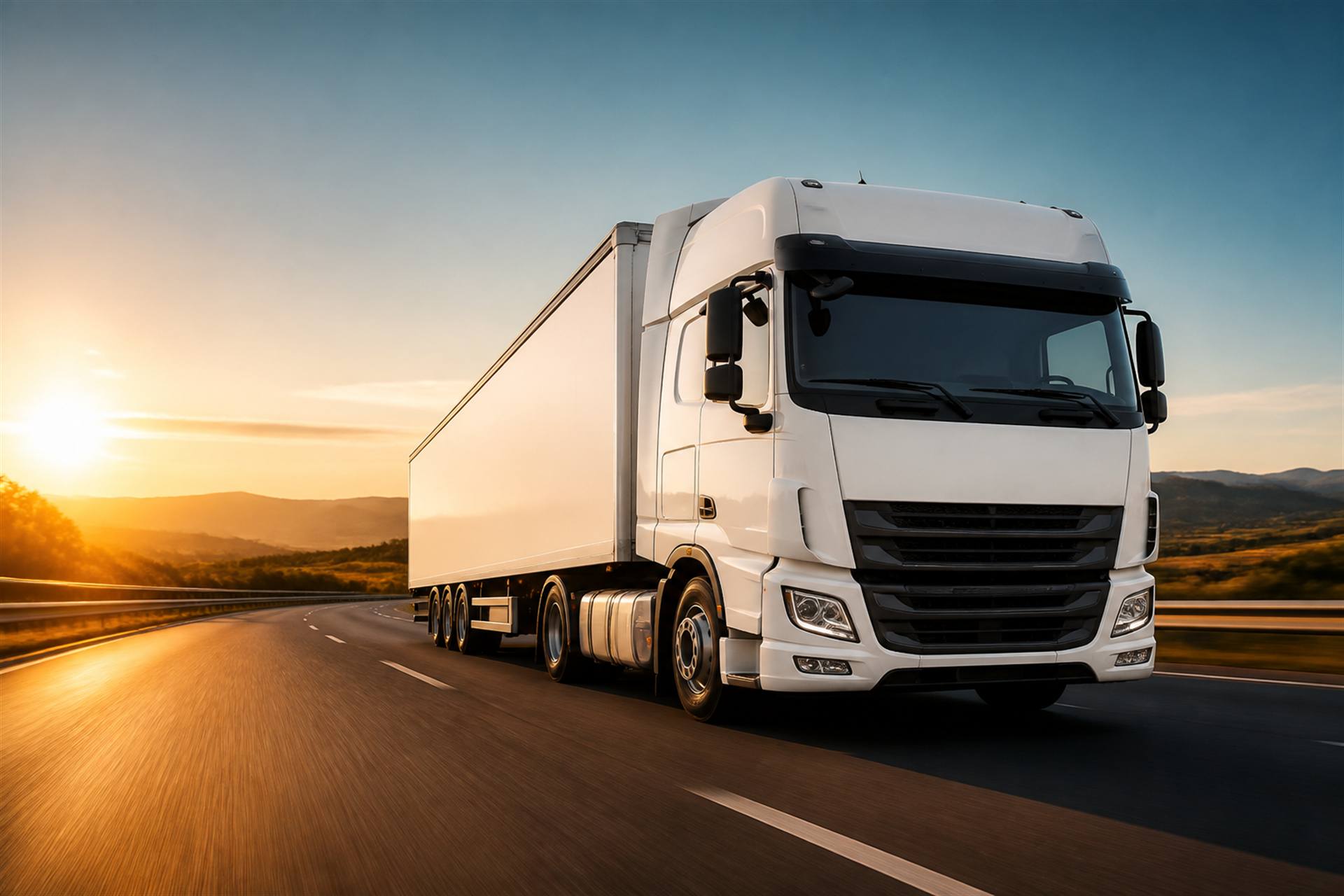
Tractor-Trailer / Semi Truck
Book this
Not sure which?
Start the request and pick a body on the next screen.
Book now
Drag or scroll sideways
How it works
Three moves.
Three moves.
That is the whole thing.
No account before you start, no auto-assignment, no chasing anyone on a phone call.
Start a bookingSet the route
Pickup, destination and any stops in between. Saved places autofill once you have them.
- Address autocomplete
- Multi-stop supported
Choose a truck
Tap a body type and add extras only if the load actually needs them.
- Tail lift, labour, cold chain
- Nothing pre-ticked for you
Confirm with OTP
Verify your mobile. That single step creates the account quotations land in.
- No password to invent
- Quotes start arriving immediately
The journey
Scroll the road.
Scroll the road.
Watch a booking travel it.
Pickup, drop and truck type go live to the network.
Compare price, pickup window and terms side by side.
Crew, registration and timing appear on your booking.
Proof, invoice and payment close the journey cleanly.
Why LodTruck
0
Median time from published request to the first real quotation.
0
Verified transport partners already active on the network.
0
Bookings chosen by you. Nothing is ever auto-assigned.
0
Screen for status, quotes, documents, payment and invoice.
Built for decisions
Everything you need.
Everything you need.
Nothing you don't.
Freight software usually buries the answer under twelve tabs. This is the short version.
Quotes you can actually compare
Price, pickup window and terms sit side by side in one list. No screenshots, no chat threads, no "let me check and call back".
Verified partners only
Documented transporters, with driver and registration surfaced the moment a truck is assigned.
No account to start
Build the whole request first. Register only at the OTP step, when you actually commit.
Saved places
Warehouses and customer sites, one tap away on every future booking.
Documents stay with the journey
Invoice, payment history and proof of delivery attach to the same booking, so the audit trail writes itself.
We stopped ringing three transporters every morning. The quotes land here, we pick one, we move.
FAQ
Straight
Straight
answers.
Still stuck? The booking flow itself is the fastest way to see how it works.
No. Build the request first, then verify your mobile with an OTP. That step creates the account quotations are delivered to.
Only after you accept a quotation. Publishing a request never assigns a truck automatically.
Yes. Save warehouses and customer sites from inside the booking flow, or manage them later in your portal.
They attach to the same booking. Review, download and record a payment from the customer portal.
Nothing. You only pay the transporter for the quotation you choose to accept.
Your next load
is one route away.
Post it in about three minutes. Register only when you confirm.